WiFi Router Capabilities
 Your Wi-Fi Router Can Do Much More Than Share Internet
Most people treat their WiFi router like a boring utility box. It sits in a corner, blinks quietly, and gets blamed whenever Netflix buffers. But depending on the model, that small plastic box may be capable of far more than simply sending Internet to your laptop, phone, and TV.
Modern routers often include features that used to require separate hardware or paid software. Some can share files across your home network. Some can filter websites before they ever reach your devices. Some can create a secure way to connect back to your home network while you are away. In other words, your router may already be acting like a tiny home server.
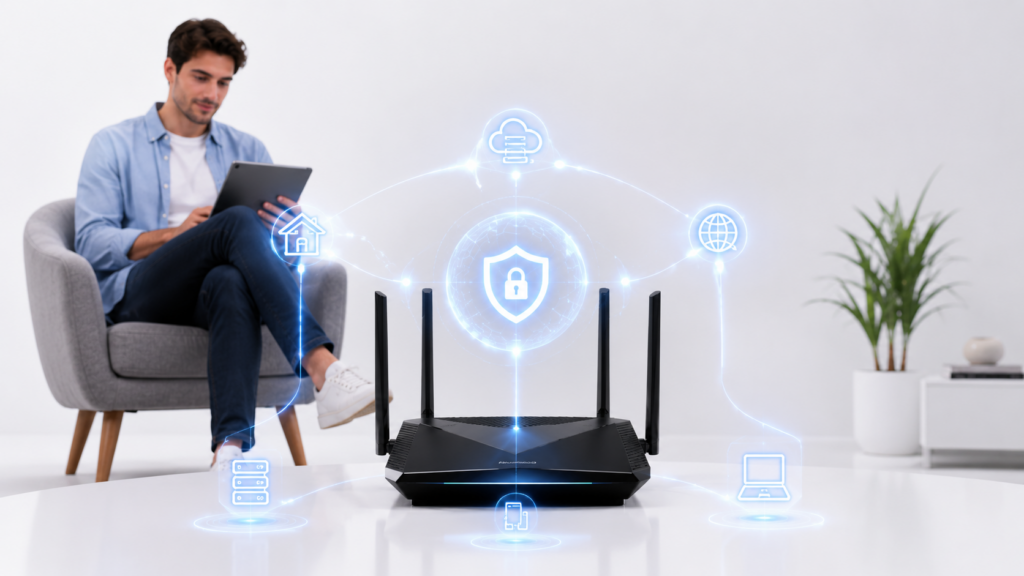
Your Router May Already Be a Mini File Server
If your router has a USB port, it may be able to turn an external hard drive or flash drive into shared network storage. TP Link, for example, supports connecting external storage to certain routers so devices on the network can access files through SMB or FTP, while NETGEAR’s ReadySHARE lets compatible routers share USB storage with wired and wireless users on the network.
This does not make your 192-168-1-1 router a full replacement for a dedicated NAS, but it can be surprisingly useful. You could use it for shared family documents, downloaded media, scanned paperwork, local backups, or files you want available from more than one computer. Instead of plugging the same drive into different machines, you plug it into the router and let the network handle access.
The main limitation is speed. A proper NAS usually has a stronger processor, more memory, better drive management, and more reliable backup tools. A router based file share is better for light use, not for running a serious media library, business archive, or huge backup system. Still, for casual home storage, the feature is often sitting there unused.
It Can Help Filter the Web Before Devices Connect
Many routers also include some form of web filtering or parental control. TP Link’s HomeShield, for example, supports features such as website blocking, content filtering, SafeSearch, YouTube Restricted Mode, time limits, bedtime schedules, and device profiles, although some advanced options require a subscription.
The advantage of router level filtering is that it happens at the network level. Instead of installing settings on every phone, laptop, tablet, TV, and game console, you can apply rules from the router. That can make it easier to block known malicious domains, reduce access to distracting websites, or set different rules for different devices in the house.
Some routers use DNS based filtering, which means they block or redirect requests for certain domains. More advanced setups, especially on OpenWrt compatible routers, can use ad blocking packages that work with DNS services such as Dnsmasq, SmartDNS, or Unbound.
This is not perfect. DNS filtering can miss some content, and encrypted DNS or private browsing features may reduce how well basic filters work. But even imperfect filtering can still be useful as a first layer of protection, especially for blocking obvious junk, scam domains, tracking domains, or known unwanted sites.
Your Router Can Sometimes Run a VPN Server
A VPN server on your router is not the same thing as subscribing to a commercial VPN service. A router based VPN server lets you securely connect back to your own home network when you are away. ASUS, for example, provides official setup options for router VPN servers, including WireGuard and IPSec on supported models.
This can be useful when you are travelling and want to access files, printers, smart home dashboards, or other devices that normally only work when you are at home. Instead of exposing those devices directly to the Internet, you connect to your router first, then access them as if you were on your home Wi-Fi.
That difference matters. Opening random ports to the Internet can create unnecessary security risks. A properly configured VPN gives you a more controlled doorway into your network. It still needs a strong password, updated firmware, and careful setup, but it is usually safer than making every device reachable from outside your home.
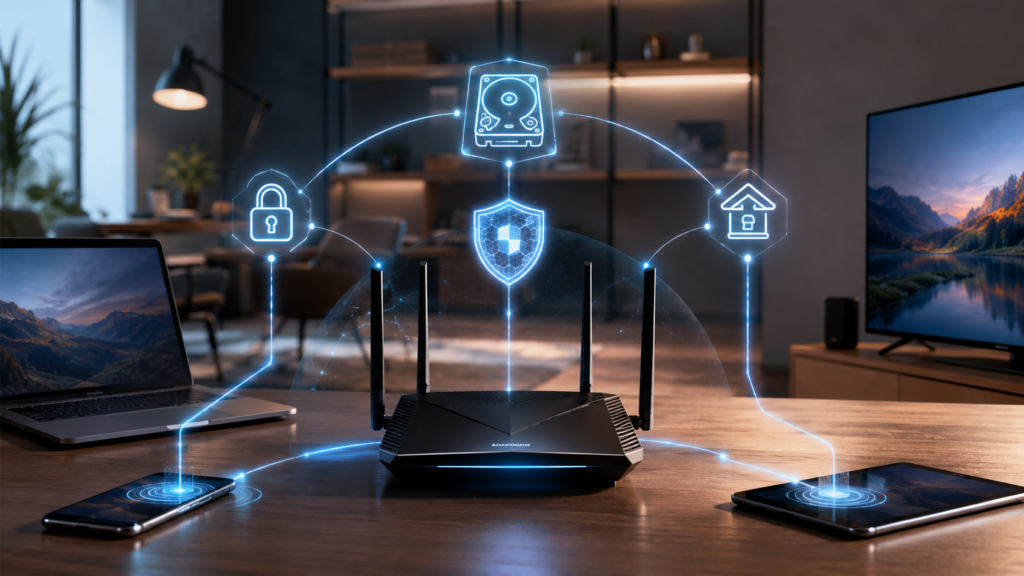
It Can Also Act as a VPN Client
Some routers can work the other way around too. Instead of letting you connect into your home network, they can connect your whole home network through a VPN provider. ASUS notes that router VPN client features can give VPN access to devices that cannot install VPN apps themselves, such as some smart TVs, set top boxes, and Blu ray players.
This can be convenient because you do not have to configure every device one by one. You set the VPN up once on the router, then choose which devices use it. Some routers even let you create rules, so certain devices use the VPN while others connect normally.
The downside is performance. VPN encryption uses processing power, and many consumer routers are not especially powerful. A VPN that feels fast on a laptop may feel slower when your router is doing all the work. Newer routers handle this better, but it is still something to test before relying on it.
Guest Networks Are More Useful Than People Think
The guest network button is one of the most ignored router features, but it is also one of the most practical. A guest network lets visitors connect to the Internet without giving them access to your main network. That can help keep your laptops, shared drives, printers, cameras, and smart home devices separate from someone else’s phone.
Guest networks are also useful for smart home devices. Many people place cameras, plugs, light bulbs, speakers, and other web connected gadgets on a separate network so they are not sitting beside personal computers and storage drives. It is not a perfect security system, but it creates helpful separation.
Your Router Is Also Your Home’s Traffic Controller
Beyond Wi-Fi, your router usually handles DHCP, NAT, firewall rules, device names, local IP addresses, and sometimes quality of service settings. That means it decides how devices join the network, how traffic leaves your home, and in some cases which devices get priority.
Quality of service settings can be helpful if your video calls suffer when someone else is gaming or downloading huge files. Device lists can help you spot unknown gadgets connected to your network. Static IP reservations can make printers, servers, cameras, and smart home hubs easier to manage.
These features sound technical, but many router apps now make them much easier to use. You may not need to understand every networking term to pause a device, rename it, prioritize it, or check whether it belongs in your house.
WiFi Can Now Recognize People Without Cameras
Ordinary WiFi signals can now be used to recognize individual people without any camera by analyzing how their bodies and movements affect radio waves in a room.
The technology could have useful applications, such as fall detection, occupancy monitoring, and camera free home safety, but it also raises major privacy concerns because people may be tracked without carrying a device or knowing they are being monitored.
The biggest issue is that Wi-Fi routers could shift from simple Internet equipment into hidden sensing tools, so stronger privacy rules and clearer consent standards may be needed.
The Catch: Router Features Depend Heavily on the Model
Not every 192.168.1.1 admin router can do all of this. Some ISP supplied routers are locked down. Some budget routers have weak processors and limited software. Some features exist but are hidden behind clunky menus. Others require updated firmware, a mobile app, or a paid security plan.
The best way to check is to log in to your router’s admin panel or app and look for sections like USB sharing, storage, VPN, parental controls, security, guest network, traffic analyzer, or advanced settings. If the options are missing, your router may not support them, or the ISP may have disabled them.
Be Careful Before Turning Everything On
The more your router does, the more important security becomes. Before enabling file sharing, remote access, VPN, or advanced web features, update the firmware, change the admin password, disable features you do not need, and avoid exposing storage directly to the public Internet.
Also be realistic. A router is great for lightweight home services, but it is not a magic box. If you need reliable backups, heavy media streaming, business file storage, or advanced network security, dedicated hardware or professional grade software may be worth it.
The Bottom Line
Your Wi Fi router is not just a Wi Fi box. It may be a basic NAS, a DNS filter, a VPN server, a VPN client, a guest network manager, a firewall, and a traffic controller all at once.
Most people never open the settings page after the day their Internet is installed. That is a mistake. Your router may already include useful tools that can make your home network more convenient, more private, and easier to manage.
Before buying another gadget or subscription, take a closer look at the box you already own. There is a good chance it has been doing more than you realized.